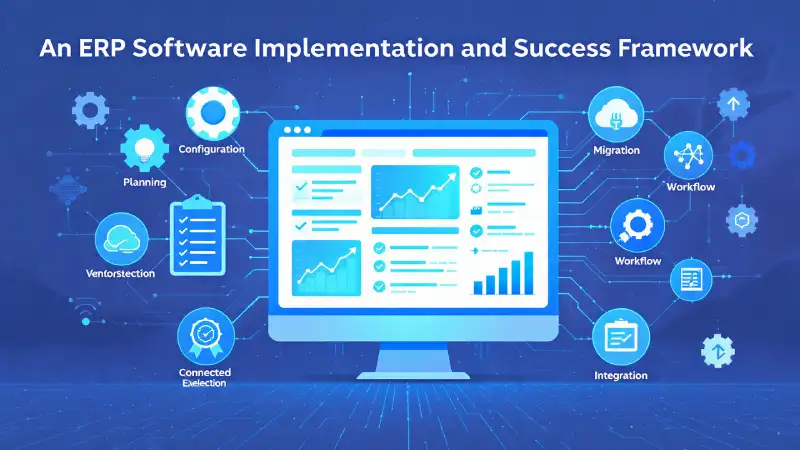
What is ERP Software?
Enterprise Resource Planning (ERP) software is a kind of integrated system that helps organizations manage their resources—both internal and external. This includes everything from physical assets to finances, materials, and personnel. The main goal of ERP software is to ensure that information flows smoothly between different departments, which improves coordination across the entire organization.
These systems are typically built on a central database and are often used on a single computing platform. They bring all operations into one environment, giving businesses real-time visibility and control over various functions.
An ERP system can either be hosted on a central server or spread out across modular units connected by a local or cloud network. This modular setup allows companies to pick the best modules from different vendors while keeping everything integrated across finance, sales, procurement, manufacturing, and human resources.
Although SAP is widely recognized as a leading ERP solution worldwide, there are plenty of other strong options out there, both commercial and open-source. For example, open-source ERPs like Cyprus ERP provide full functionality at a fraction of the cost, making them a great fit for small and mid-sized businesses.
Things to Keep in Mind Before Implementing ERP
1. Budget
Budgets play a key role in whether an ERP project will succeed. The costs include software licenses, customization, training, and maintenance. It’s crucial to set a realistic budget before kicking off the project to avoid running into issues later on.
2. Do Your Research
Before you start talking to vendors, take the time to form a strong internal team and document all your current processes. This groundwork will help clarify what’s needed and create buy-in during implementation.
3. Involve Users Early
Make sure department heads and key users are involved from the get-go during the documentation and validation phases. Their engagement helps in making the transition smoother and cuts down on resistance later.
4. Data Preparation
Get master data ready in Excel sheets before implementation kicks off. Involving users in this step will help them grasp the data structure and gear them up for the transition to ERP.
5. Manage Internal Politics
Resistance within the organization can make or break the ERP project. Educating department heads on the long-term advantages of the system and aligning them with the management’s vision can help to keep conflicts at bay.
6. Have a Contingency Budget
Always set aside some extra funds. A little extra spent during testing or customization can help sort out critical issues and avoid project setbacks.
How to Choose the Right ERP System
Picking the best ERP solution requires careful thought. Here are some important factors to consider before making your choice:
Company Size: Determine if your organization is small, medium, or large, and select ERP software that fits your size.
Architecture Type: Look for ERPs with a three-tier or n-tier architecture for better performance and security.
Cost of Licenses: Understand the user and module licensing structures and how they fit into your budget.
Additional Licenses: Check if you’ll need other licenses, like Microsoft Windows Server or Oracle Database.
Hardware Needs: Assess infrastructure costs before giving the green light to the project.
Essential Modules: Ensure the ERP includes vital areas such as Sales, Purchase, Inventory, Finance, HR, Payroll, Assets, and CRM.
Customization Fees: Verify the vendor’s stance on new developments and rates for customization.
Training and Maintenance Costs: Make sure to include training and maintenance contracts in your budget.
Ease of Use: The ERP should be user-friendly and have a modern appearance so users can adopt it quickly.
Access Options: Consider hybrid ERP systems that are available on both desktop and mobile.
Involvement of Internal IT: Your IT team should take part in demos and assess system adaptability.
Import Capabilities: Confirm that you can easily import master and transactional data from formats like Excel or CSV.
Vendor Reliability: Go for a vendor with good reviews and solid implementation experience in your industry.
ERP Implementation Steps
1. Host Workshops
Once you’ve chosen your ERP vendor, set up a 7-day workshop to go over processes, pain points, and customization needs. Being transparent in this phase is crucial to design a system that really works for your business.
2. Clarify the Scope
Draft a scope document that outlines deliverables, timelines, and responsibilities. This will serve as a roadmap for both your team and the vendor.
3. Roll Out in Phases
Implement the ERP gradually, starting with key modules like Finance, Inventory, and Sales before moving on to HR or CRM. This strategy minimizes risks and boosts user buy-in.
4. Engage Users
Keep users involved during configuration, testing, and training. Their insights are vital for making sure the new system fits operational needs.
5. Optimize Processes
Don’t just replicate existing processes—take this chance to improve them. Implementing ERP is a great opportunity to streamline workflows and increase efficiency.
Post-Implementation Needs
Software Maintenance: Sign an AMC (Annual Maintenance Contract) for ongoing support and updates.
Network Reliability: Ensure your network and hardware can handle the ERP’s transactions without issues.
IT Training: Train your internal IT staff to handle basic configurations and user support.
User Training: Proper training can reduce user frustration and resistance, ensuring the ERP works well.
Ongoing Feedback: Regularly gather feedback from departments to refine the system as business needs evolve.
Conclusion
Implementing an ERP system isn’t just about installing software—it’s a journey of business transformation. Success hinges on thorough planning, strong leadership, user involvement, and finding the right tech partner. When done right, ERP systems can enhance productivity, lower costs, and enable smarter decision-making through real-time insights.
Cyprus ERP & Onfinity ERP: ERP Solutions for Modern Businesses
BRS Infotek offers two ERP platforms to support different business needs.
Cyprus ERP, developed in-house on the Adempiere framework, is a cost-effective and flexible solution ideal for SMEs and growing companies.
Onfinity ERP, for which BRS Infotek is the legal partner, is an enterprise-grade solution designed for scalability and complex operations.
Businesses can choose Cyprus ERP or Onfinity ERP based on their size, process complexity, and growth plans.
👉 Learn more: www.cypruserp.com
👉 Learn more: https://onfinity.io/in/demo.php
About the Author
Surya Sagar, Founder and ERP Solution Architect at BRS Infotek, has over 18 years of experience in ERP implementation, solution architecture, and process optimization.
He has led ERP deployments across multiple industries and regions and plays a key role in delivering value through both Cyprus ERP and Onfinity ERP solutions.


